
Why Use AI Coding Assistants
Improve coding efficiency and adapt to the new era of programming.
- The era of large models is creating “super individuals” who are highly efficient, skilled with tools, and able to deliver business value quickly.
- Most tools require a VPN for access; there is no way around it.
- Pay attention to information security: do not copy/paste secrets or important code into prompts.
Tool Overviews
Bito (official site: Bito)
Personal plan (free)
Overview
Bito AI is a general-purpose assistant. Developers can ask technical questions, generate code from natural language prompts, and get feedback on existing code. Key features:
- Code generation: describe requirements in natural language and Bito generates code in different languages (e.g., Java).
- Command syntax: ask about any technical command and its usage (e.g., git).
- Test cases: generate test cases for given code.
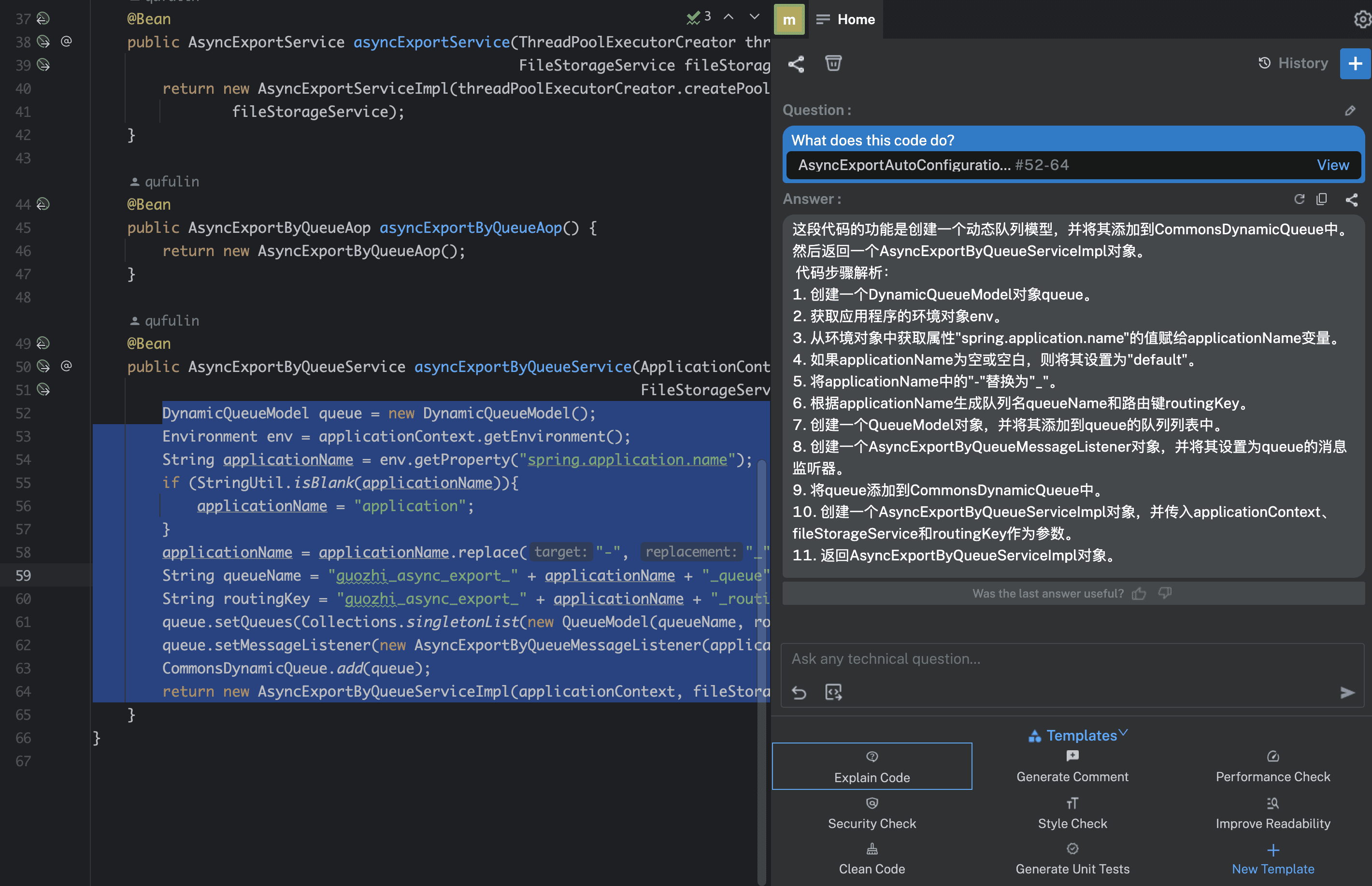
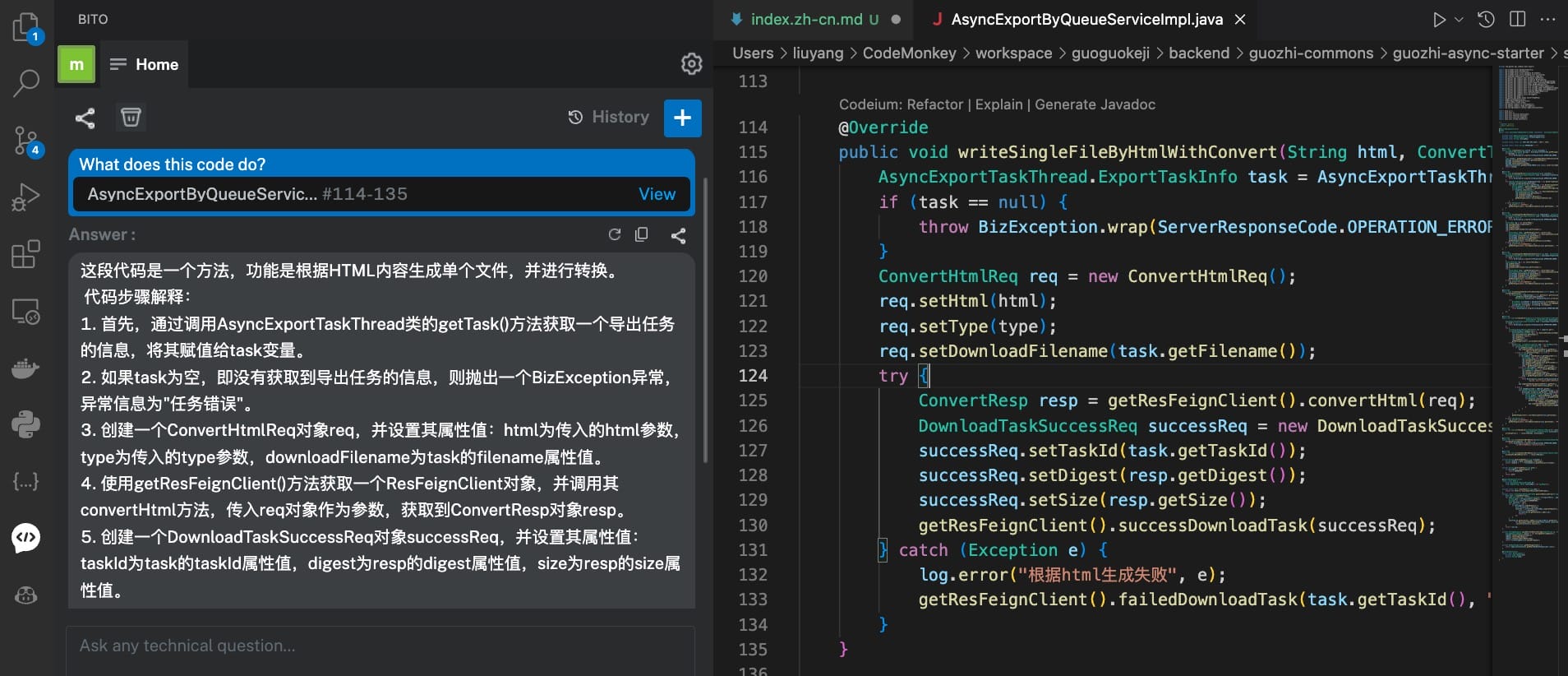
- Explain code: explain selected code snippets and how they work.
- Add comments: generate comments for functions or methods.
- Improve performance: suggest performance optimizations.
- Security checks: check code for known security issues.
- Learn concepts: explain technical concepts (e.g., B+ trees).
Installation
Usage
-
YouTube videos
-
Documentation
GitHub Copilot (official site: Copilot)
Personal plan ($10 / month). I can share a referral link (DM me).
Overview
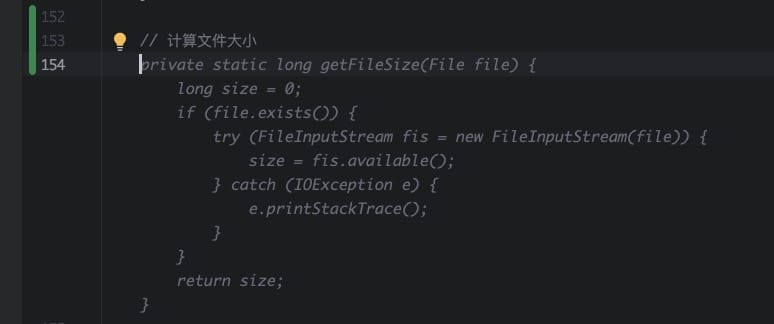
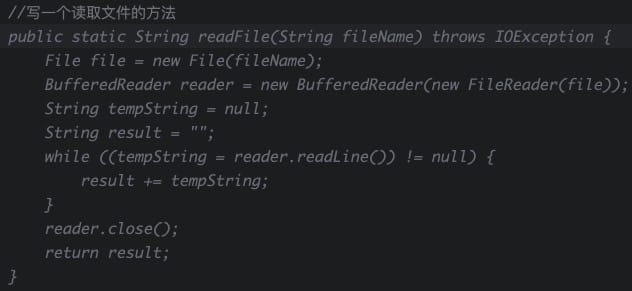
GitHub Copilot provides highly valuable code completion and generation. It can generate lines of code or entire functions based on context. With intelligent completion and generation, Copilot improves development efficiency and lowers the effort of writing code. It further pushes AI adoption in software development so developers can focus more on design and algorithms.
Installation
-
VS Code plugins
Usage
https://docs.github.com/zh/copilot/quickstart
Codeium (official site: Codeium)
Personal plan (free). Experience is better in VS Code; a bit worse in IDEA.
Overview
Codeium is an AI code generation platform with these key capabilities:
- Code generation: describe requirements in natural language and generate code. Supports Java, Python, JavaScript, and more.
- Code search: search code snippets by keywords from a large codebase.
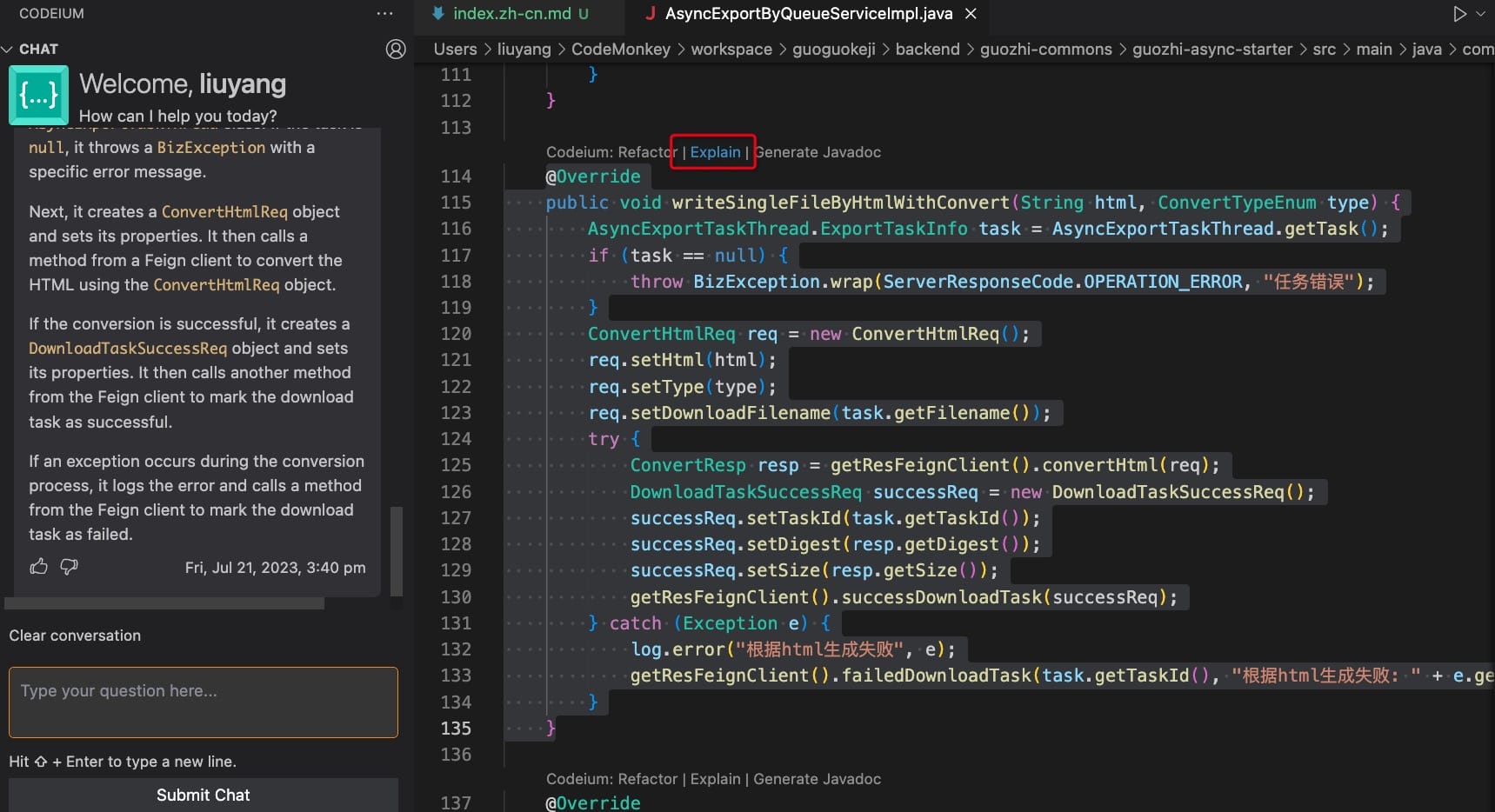
- Code explanation: explain selected code in natural language.
- Code optimization: analyze existing code and suggest improvements in quality or algorithms.
- Code editing: built-in editor with autocompletion, linting, formatting, etc.
Installation
Usage
Suggested Setup
Personal Experience
Bito
A very powerful assistant. The default templates are handy and make it easy to insert code into chats and ask questions about it. The IDEA and VS Code plugins both feel good.
GitHub Copilot
Excellent at understanding code context (the more you use it, the better it learns you). It can complete code quickly. For routine tools and algorithms, you can often rely on generated code to build.
Codeium
Completion is average. The IDEA plugin is not great, but the VS Code experience is decent. Its features overlap somewhat with Bito.
Using IDEA
Bito + GitHub Copilot (if you have budget)
Using VS Code
Bito + Codeium (if you have budget, switch to GitHub Copilot)