Year-end is planning season again, and that always means diagrams. From architecture design to flowcharts (and even a few “magic” slides in meetings), you need a handful of diagrams to hold the room. But who says drawing has to cost money? If it can be free, it should be free. Here are a few free tools I use often.
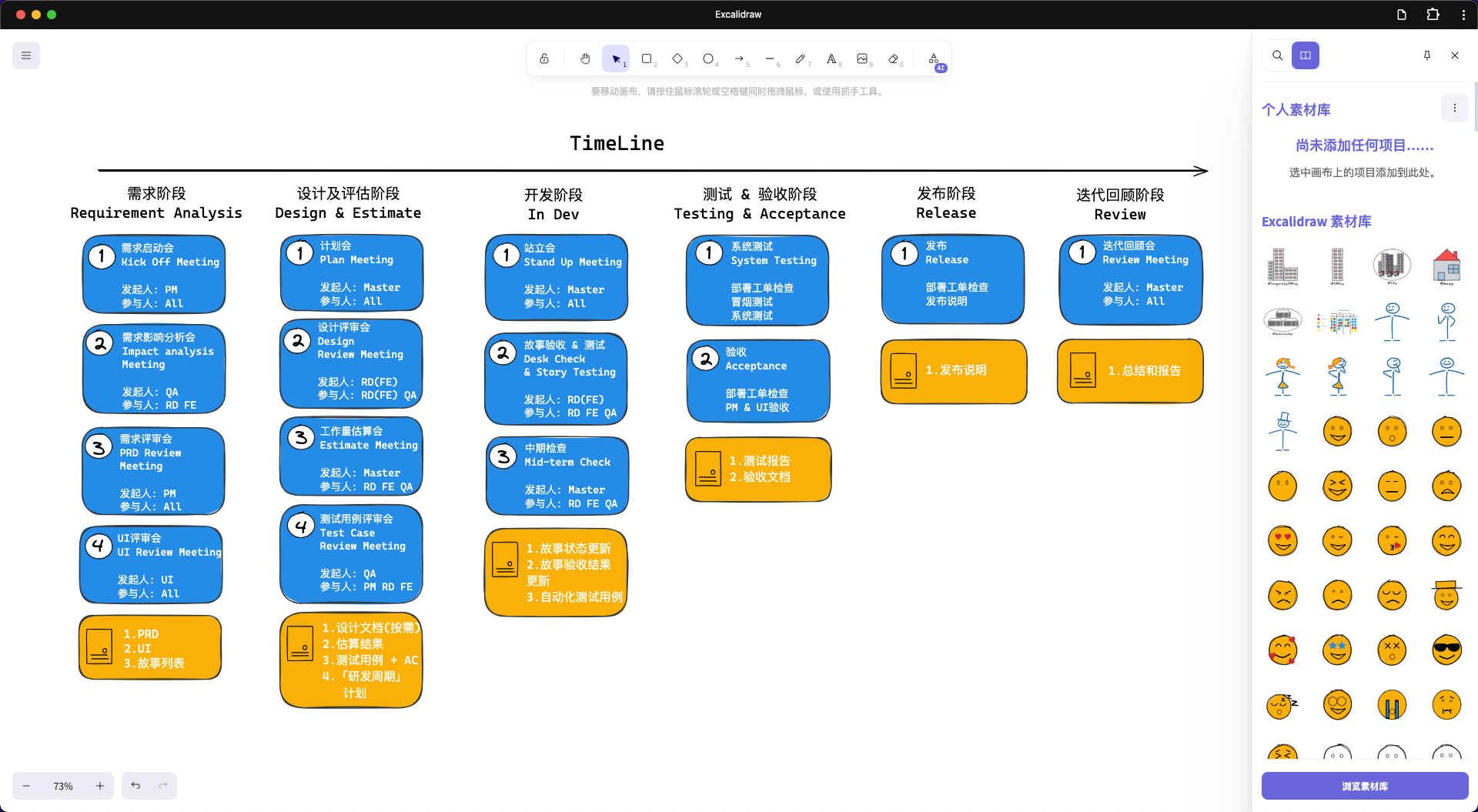
Excalidraw - Hand-drawn creativity
If you find formal charts too stiff, try Excalidraw. Its hand-drawn style instantly gives you a “I am an artist” vibe, like Picasso drawing your system architecture. 
Highlights
- Collaboration support
- Built-in asset library (add as needed)
- End-to-end encryption; no user data stored
Mermaid - Syntax-driven, developer-friendly
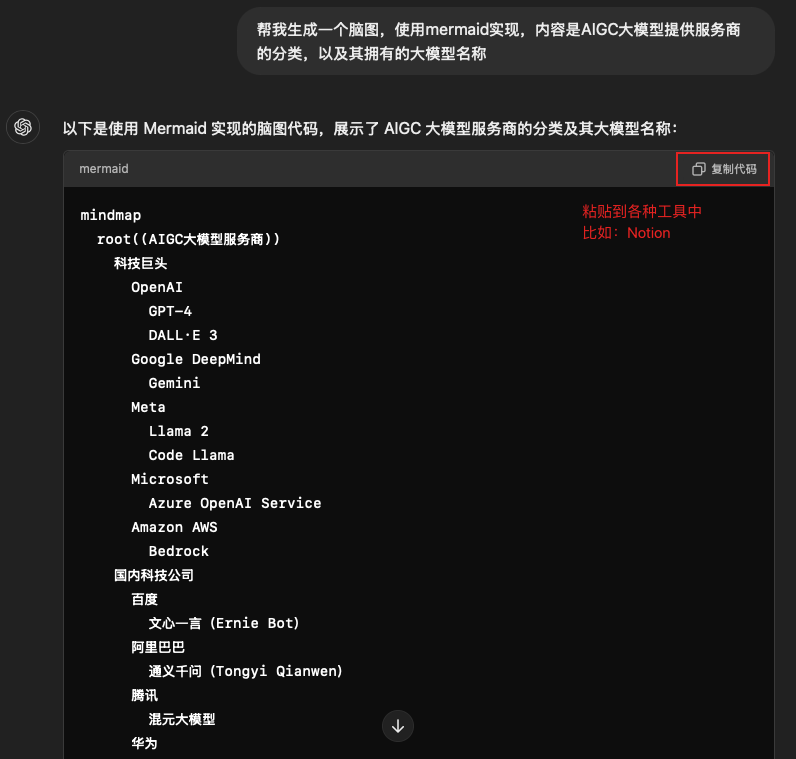
Tired of drag-and-drop? Mermaid lets you draw with code. It is the ultimate romance for engineers. When you generate a beautiful flowchart from text, it feels even better than fixing a bug.
Highlights
- Generate diagrams from code, very hacker-style (AIGC makes it even faster)
- Rich diagram types: flowcharts, Gantt, sequence diagrams, and more
- Easy to integrate with Markdown editors
Drawio - All-rounder
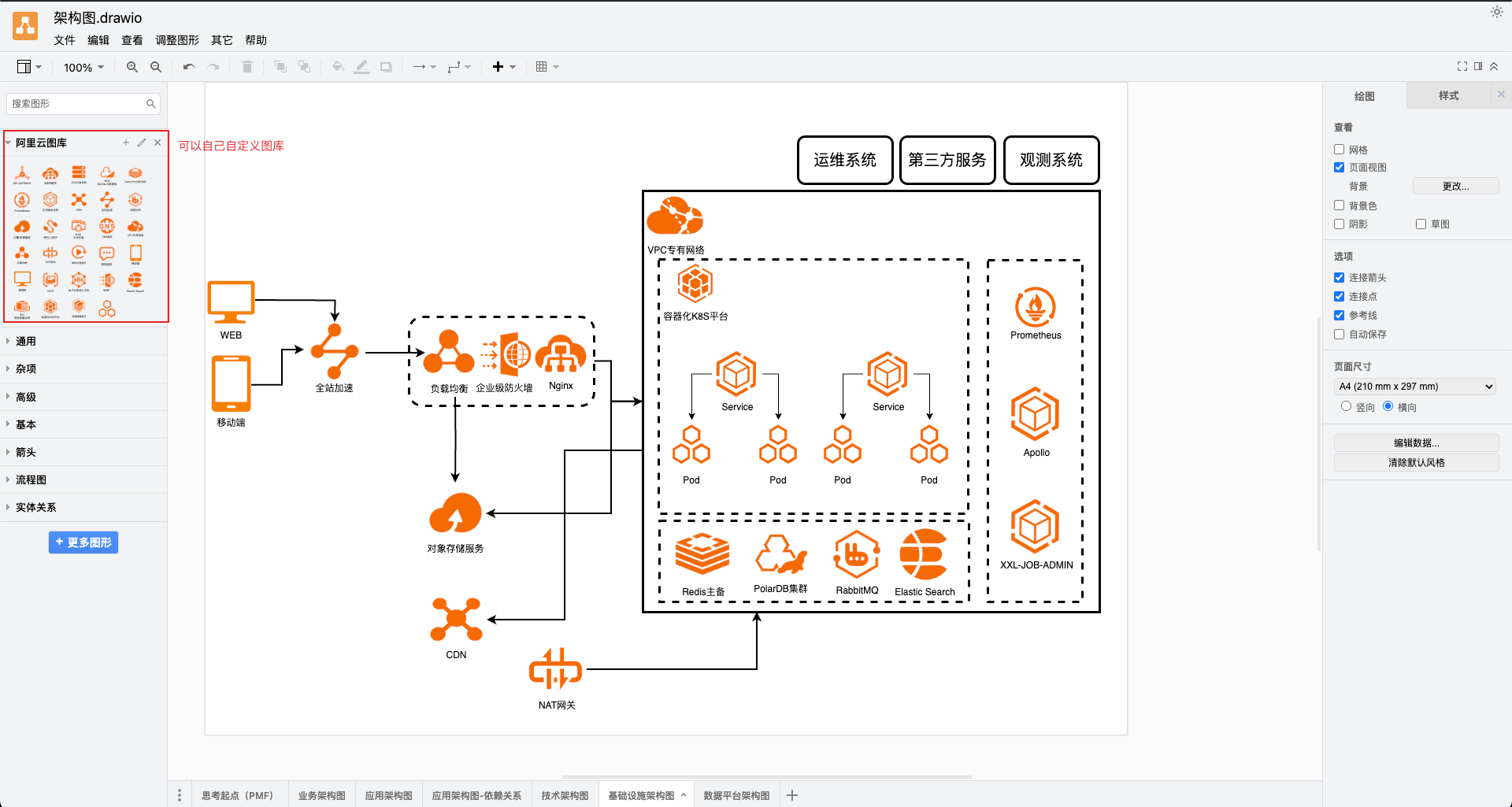
If Excalidraw is the cute neighbor and Mermaid is the geek, then Drawio is the straight-A student. It can handle almost any diagramming need you can think of. Powerful, free, and feature-rich.
Highlights
- Near-commercial features, completely free
- Desktop and online versions
- Multiple storage options (Google Drive, OneDrive)
- Rich template library, plus custom libraries
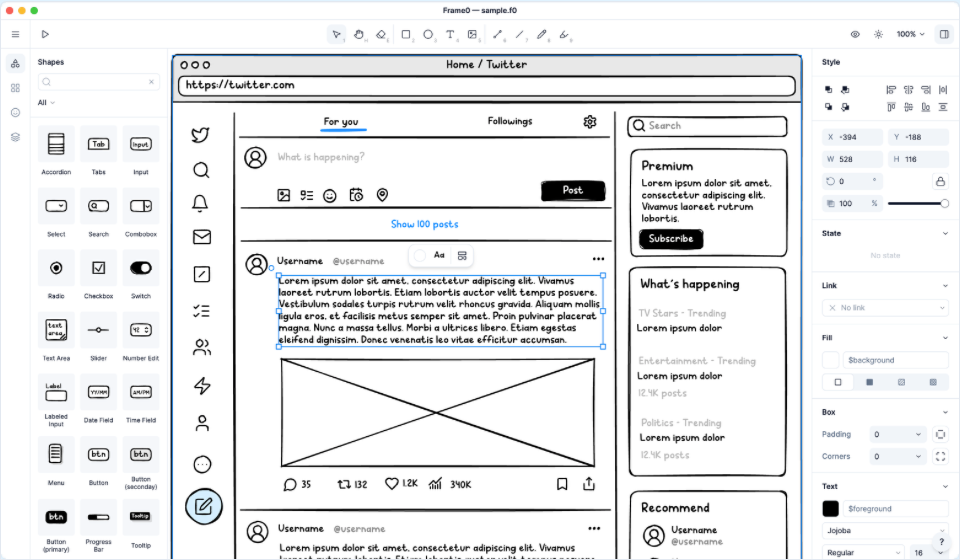
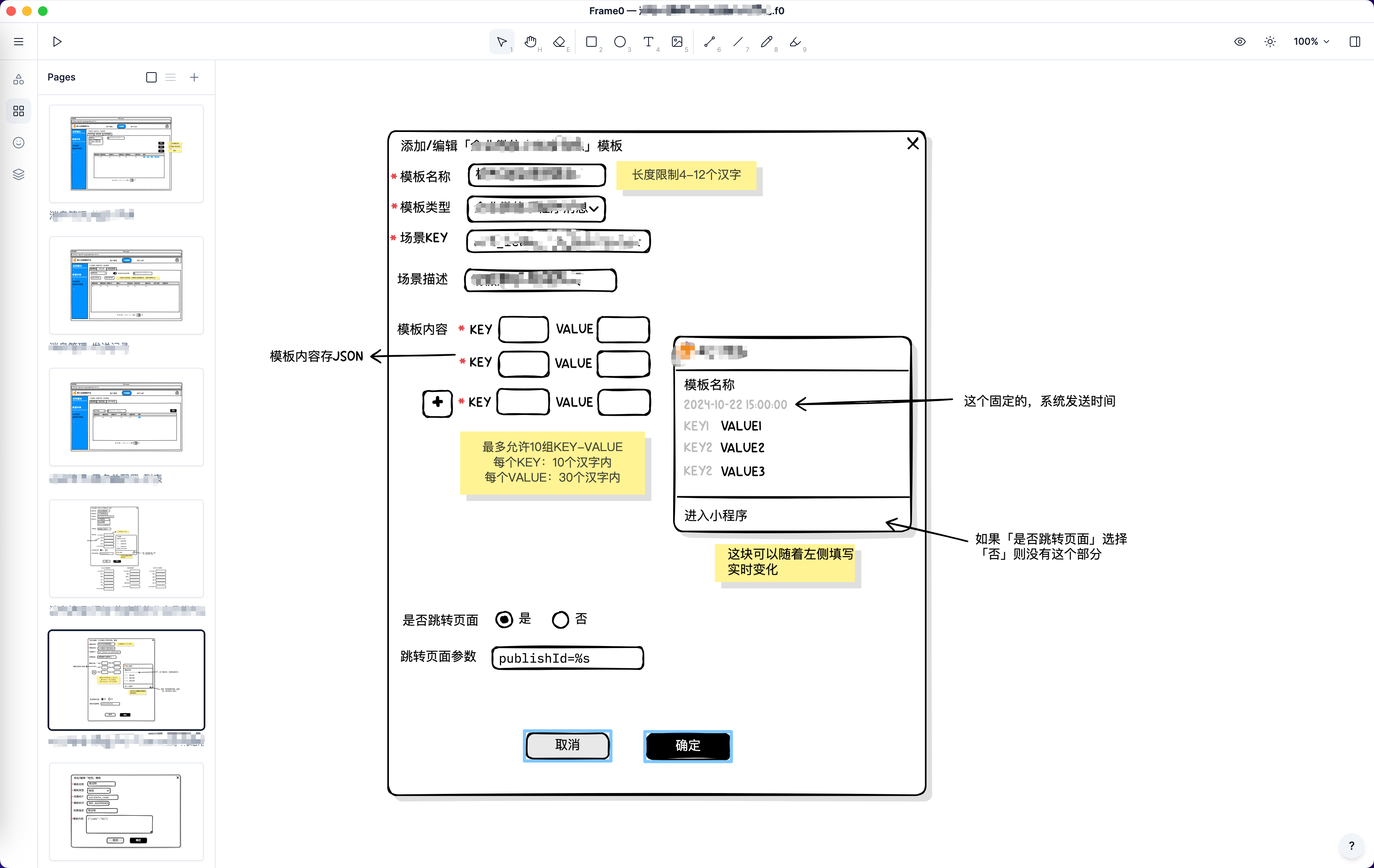
Frame0 - Hand-drawn style prototyping tool
A prototyping tool that is great for engineers to validate ideas quickly. It makes it easy to sketch product concepts. The project started in 2024-09, has released 7 versions, and is still in beta, perfect if you like to try new things.
Highlights
- Cross-platform: macOS, Windows, Linux
- Smooth interaction
- Great for polished presentation diagrams
- Real-time collaboration